Which hair color tool is right for the job?
BeautyAI is not the best choice for every photo task. These pages explain where YouCam Makeup, Facetune, Canva, L'Oréal Style My Hair and free apps are the better fit—and where a focused hair color try-on wins.
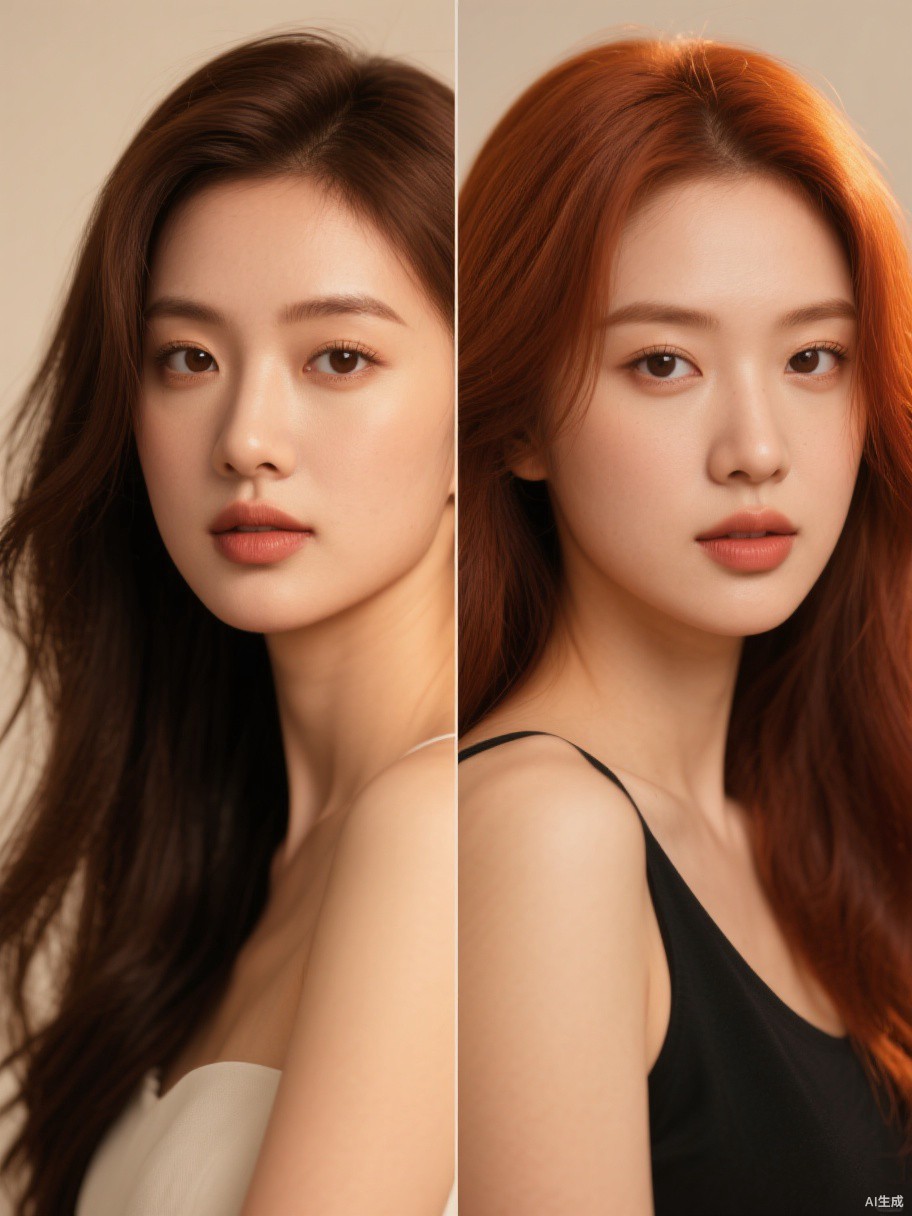
Start with the job you need to do.
Full makeup app, general retouching, design tool, brand shade matcher or a focused hair color preview—each has a different best use.
YouCam Makeup vs BeautyAI for Hair Color Try-On
YouCam Makeup is a full makeup app with live camera filters. BeautyAI is a browser-based hair color try-on with 2K output. Compare features, free access and best use cases.
→Facetune vs BeautyAI for Hair Color Preview
Facetune is a general photo retouching app. BeautyAI is a dedicated hair color try-on. Compare effort, face preservation and the best use case for each.
→Canva vs BeautyAI for Hair Color Try-On
Canva is a design platform with AI photo tools. BeautyAI is a dedicated hair color try-on. Compare speed, output and the right job for each.
→L'Oréal Style My Hair vs BeautyAI
L'Oréal Style My Hair is a free brand app for L'Oréal shades. BeautyAI is brand-agnostic and browser-based. Compare shade range, output and best use.
→Free Hair Color Apps vs BeautyAI
Free hair color apps usually limit shades, watermarks or downloads. Compare the free-app trade-offs with BeautyAI's first-free-preview model.
Try the focused workflow first.
Upload a photo, pick a shade and compare the before and after. First preview free, no app install.